Tuguldur1 May 2020
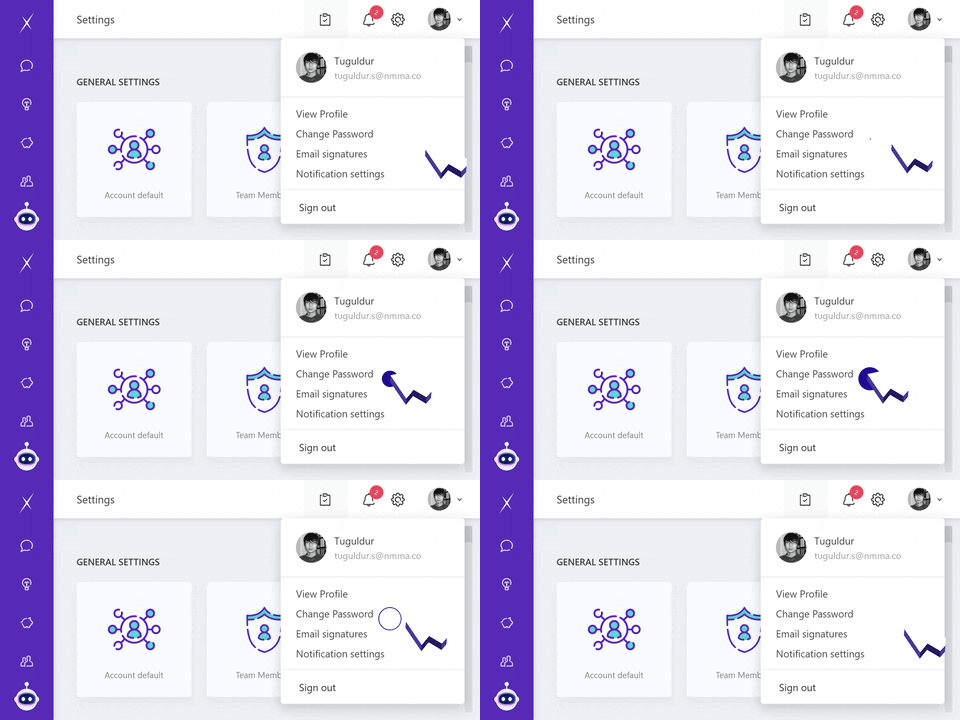
1. Click on your account picture where its located at the top right corner of a program window
2. Tap "Change Password"
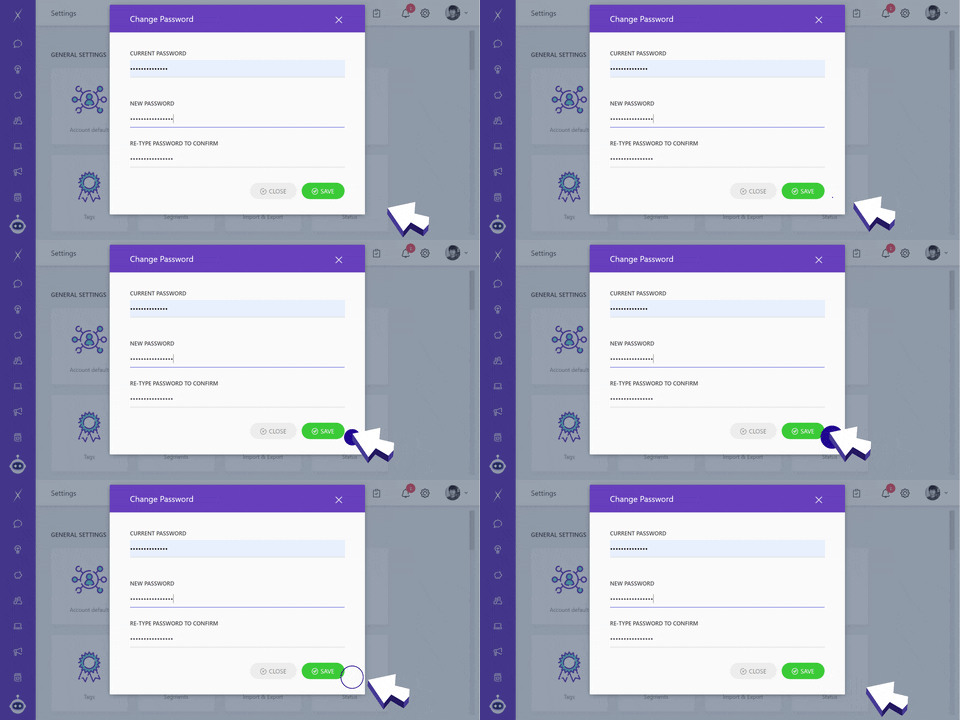
3. Change your password
4. Tap "Save"
1. Click on your account picture where its located at the top right corner of a program window
2. Tap "Change Password"
3. Change your password
4. Tap "Save"
You can change your password at any time.