Nauren Batjargal14 May 2023
1. In order to successfully sign up for erxes and use it right away, you have to complete two simple steps.
-
Signing up for erxes’ Global Profile account.
- Signing into your created organization from your Global Profile.
Please note that your Global Profile can host several organizations and you have to click on your desired organization to start step number two.
So without further ado, let’s first create your Global Profile
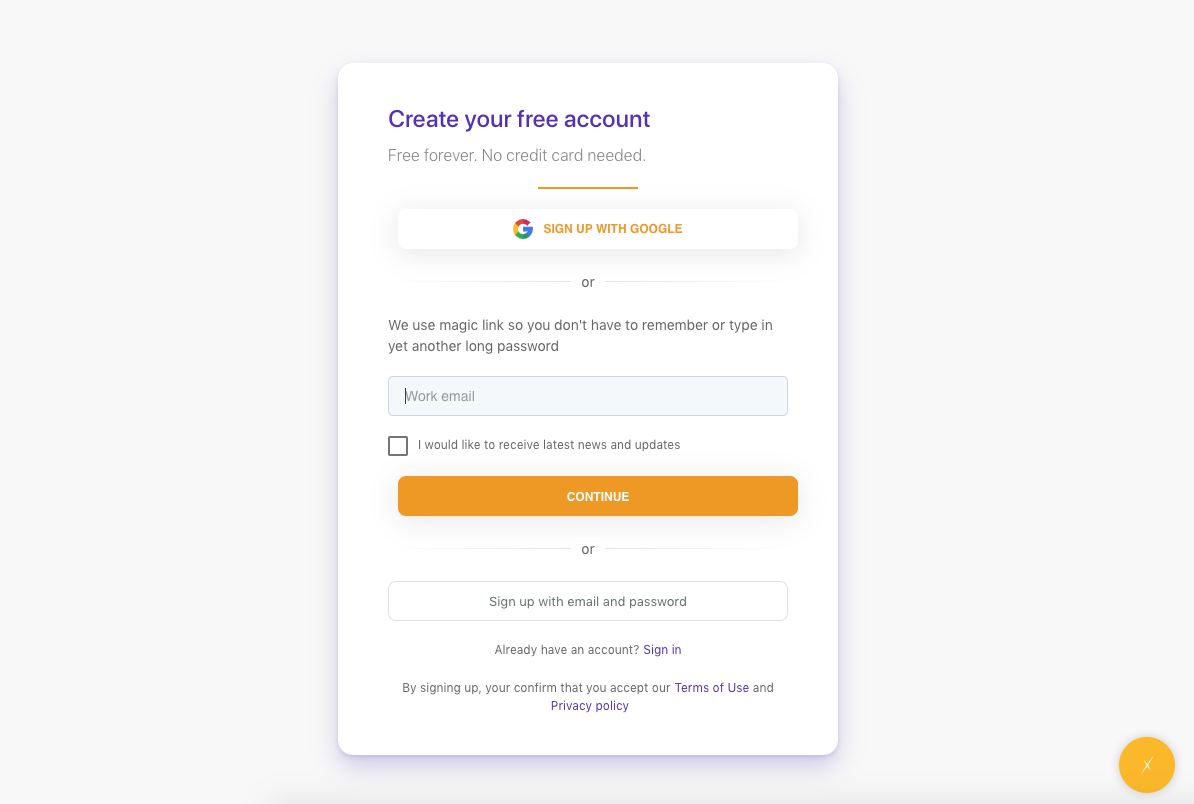
- Go to https://erxes.io/signup
- Enter your email address. Please note that this email address for Global Profile will be recorded as the owner of the organizations inside of it.
- Enter your password. You can also sign up without a password by using a magic link
- Go to your email address and copy and paste the code we sent to your inbox
- Finally, sign in with your email address and password to complete step one
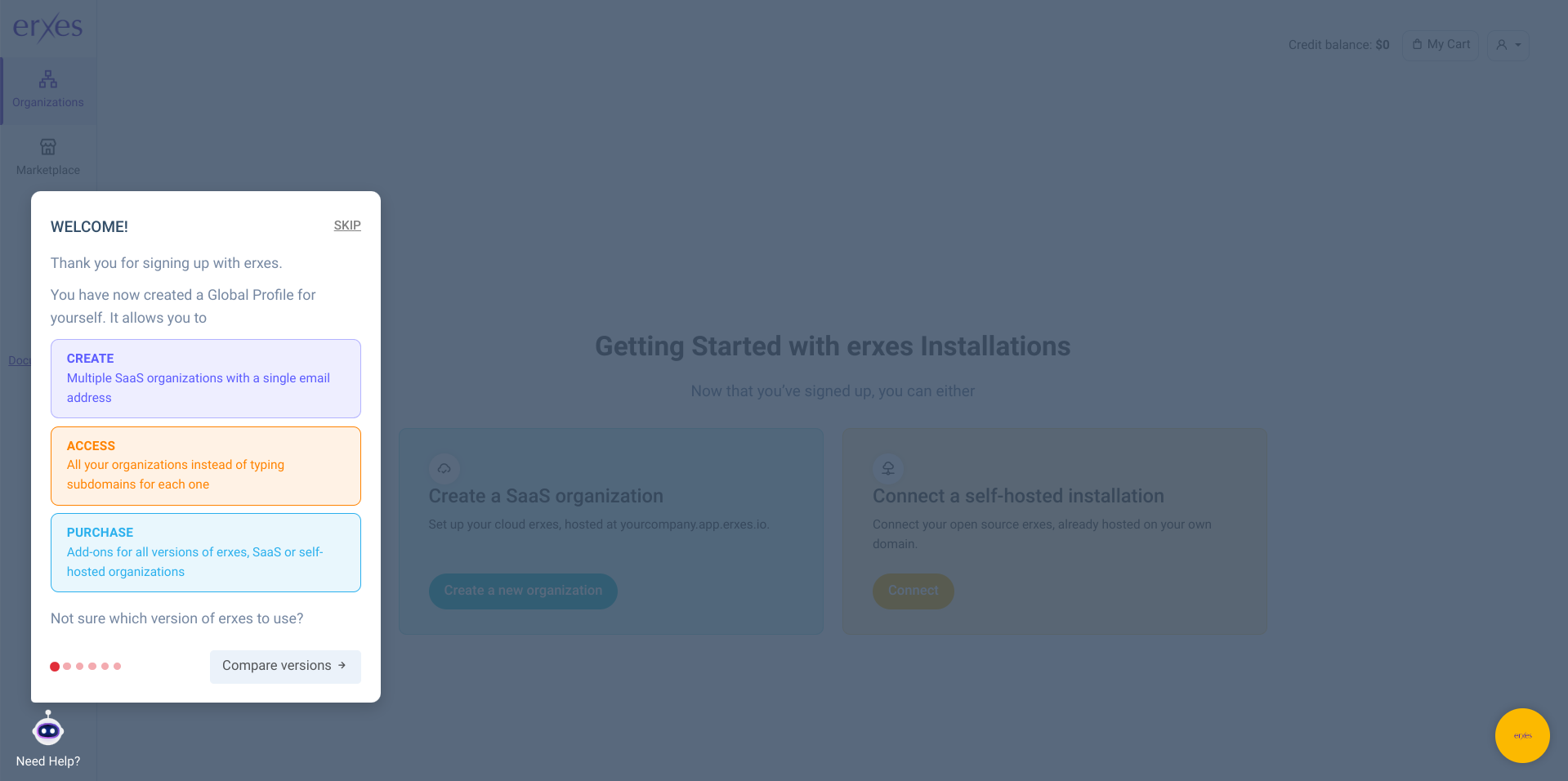
- Follow and read the guide shown on the bottom left corner after signing in to your Global Profile to start step two
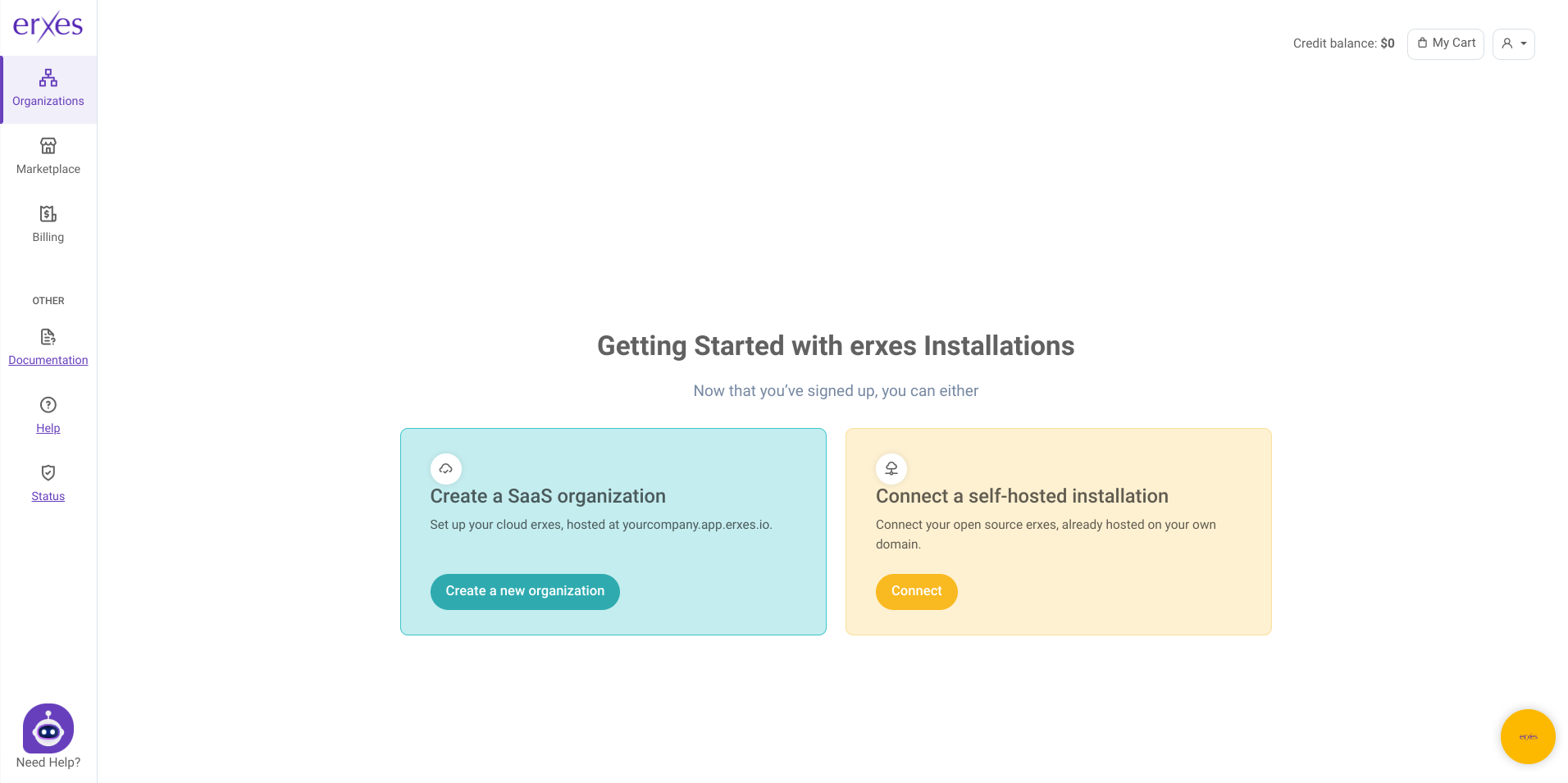
- Click on “Create a new organization”
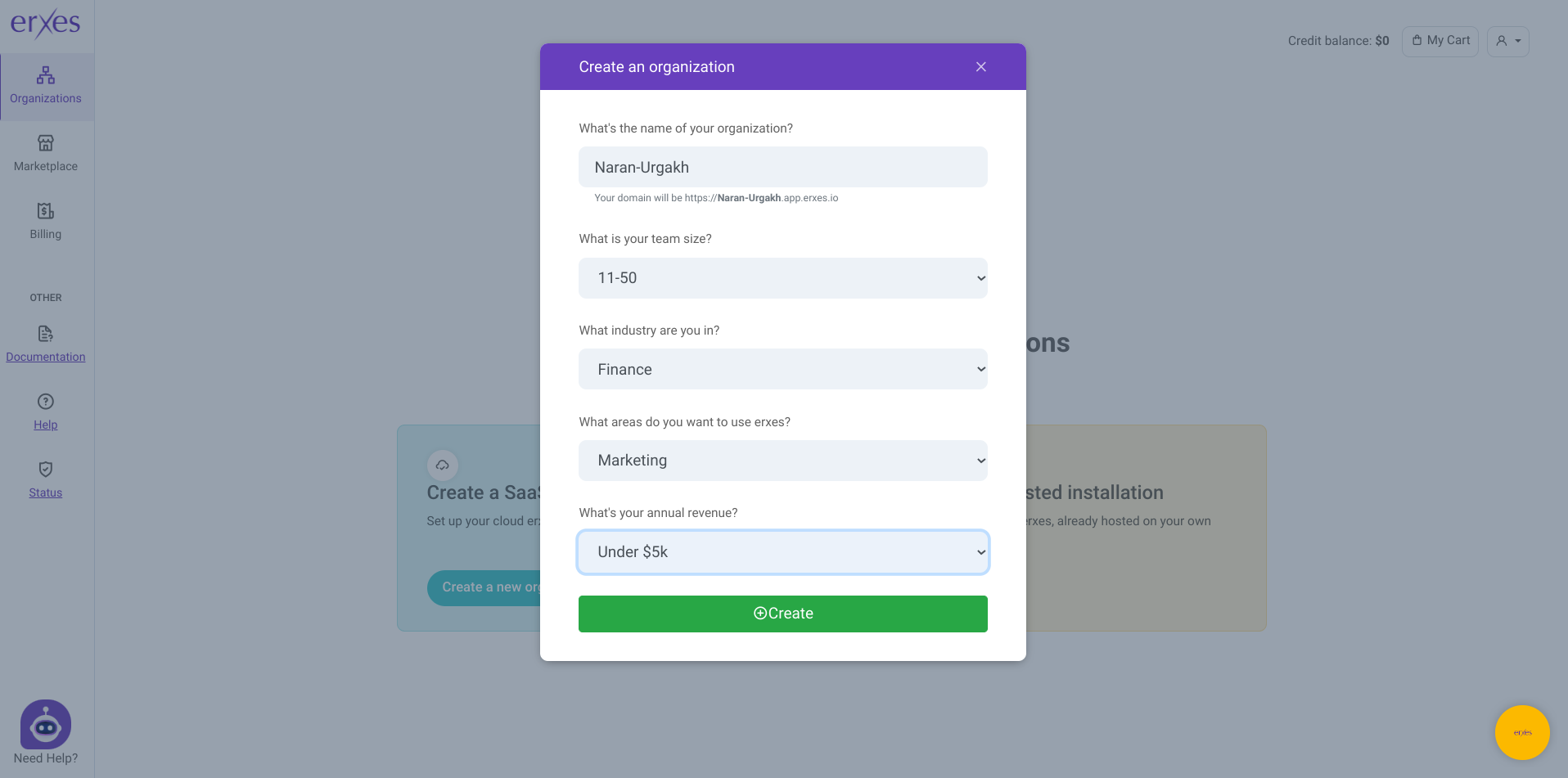
- Enter the name of your organization
- Enter your team size
- Specify your industry and your revenue
- Click on “Create”
- Select your created organization in order to access the log-in page for that specific organization
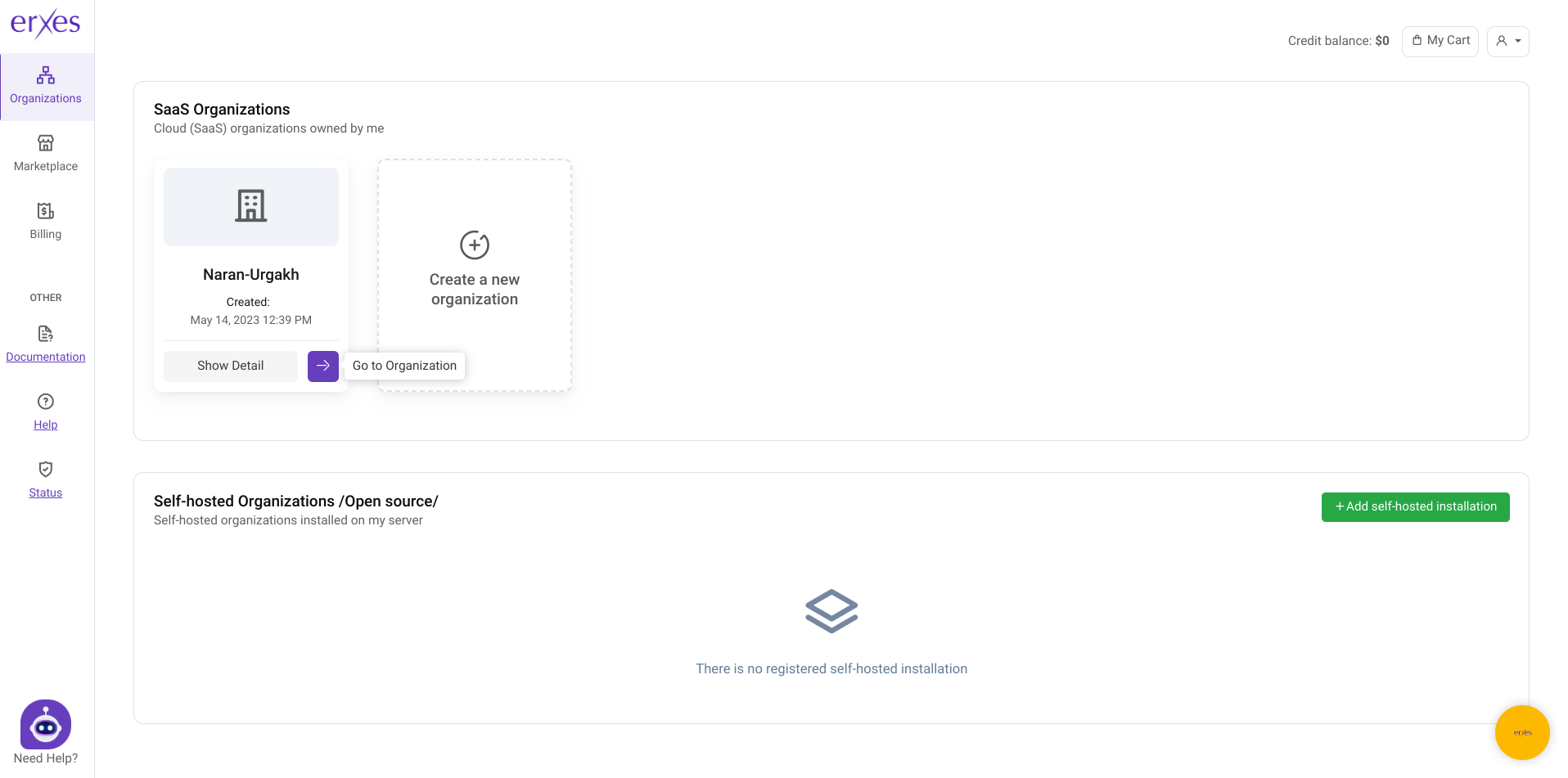
- Log in to your organization by entering the same email address and password used for your Global Profile. Note down your subdomain.app.erxes.io URL that is displayed on the top to access your organization directly in the future without the need to go to your Global Profile unless you want to create a new organization or buy add-ons.
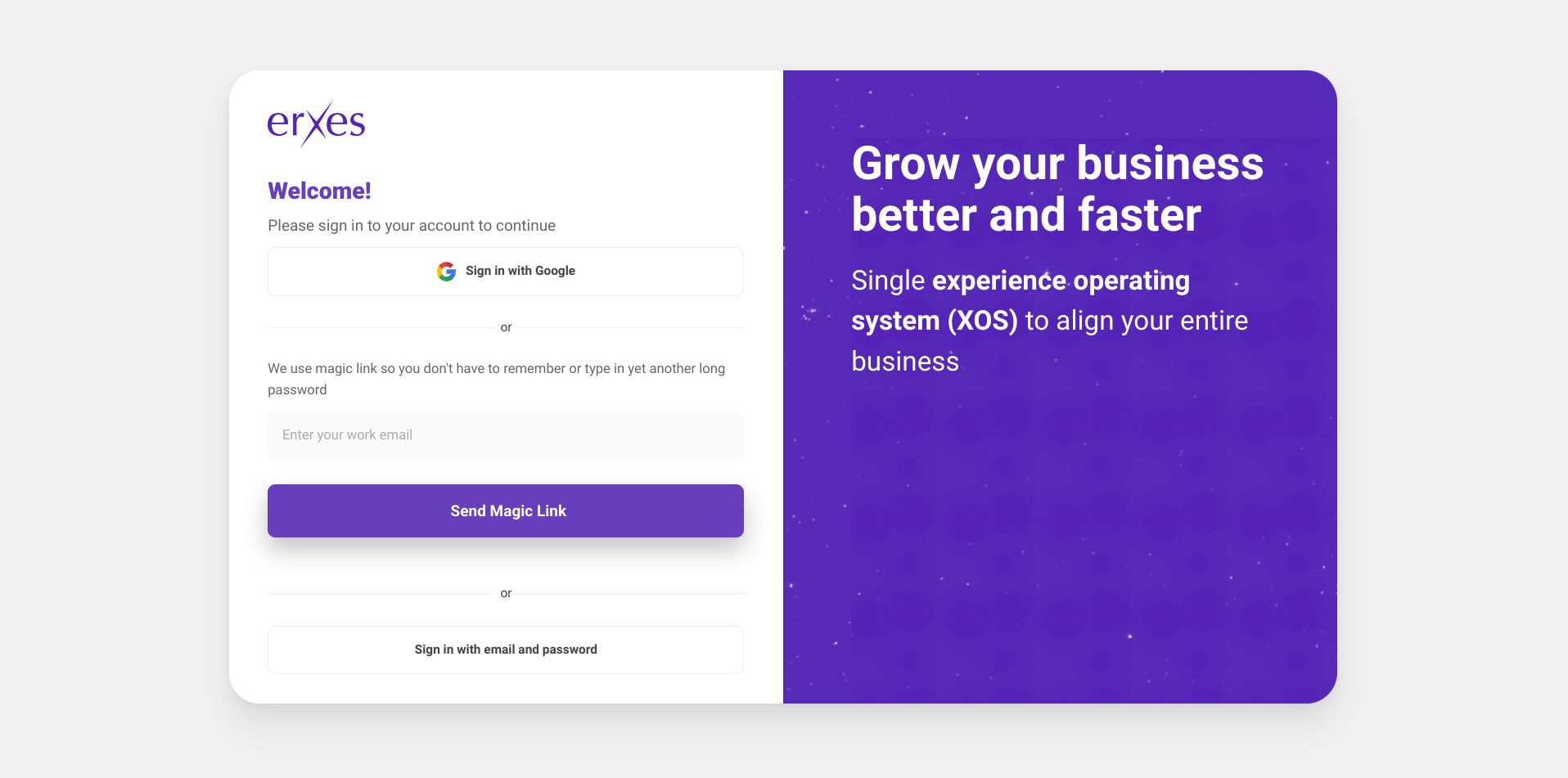
- Enter your full name and desired username after clicking “Next”
- Follow the rest of the guide located on the bottom left corner to set up your erxes!