The categorization of all your organization’s products and services is done in this section. By accurately categorizing your products and services, you will be able to efficiently record sales data, product-related complaints, and all related reports in the system.
On the erxes platform, you are able to view your products and services with the following filters.
- Categories: This section lists the general categories of services or the parent categories of various products/services.
- Filter by Type: This section has two categories: products and services. Customers will be able to
- Filter by Tags: This section shows products and services with specific tags.
- For example, if you have products you sell during Christmas, you can create a Christmas tag for the products. You can set discounts on products with specific tags.
You can manually register your products and services by following the instructions below, however if your organization has a wide variety of products and services, you can import this information into our system to save you time. Please refer to the Import/Export section for more information.
After setting up this section, you can learn more about how to use this menu effectively in the Sales Pipeline, Task and Dashboard menu.
How to add your products and services
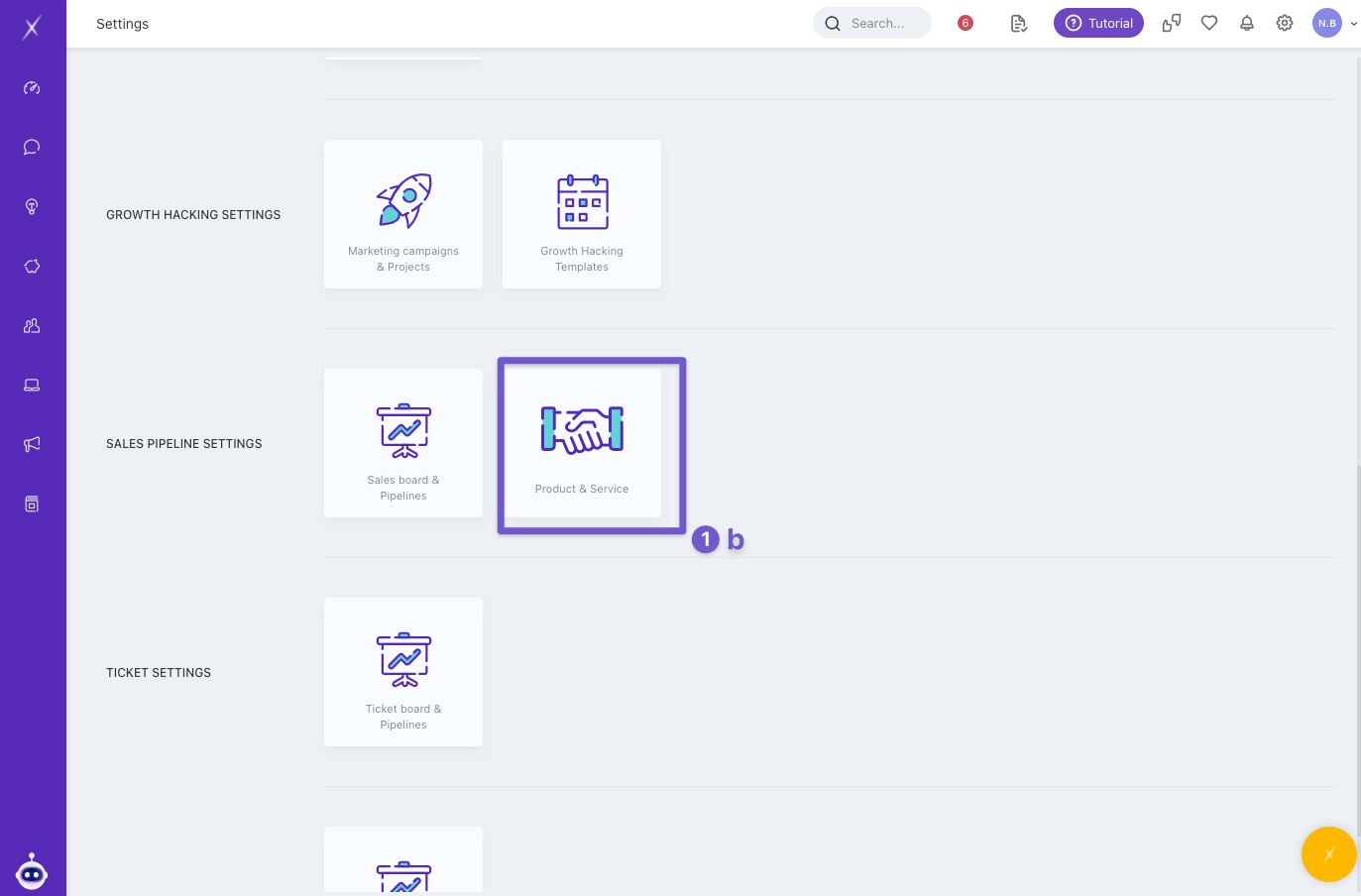
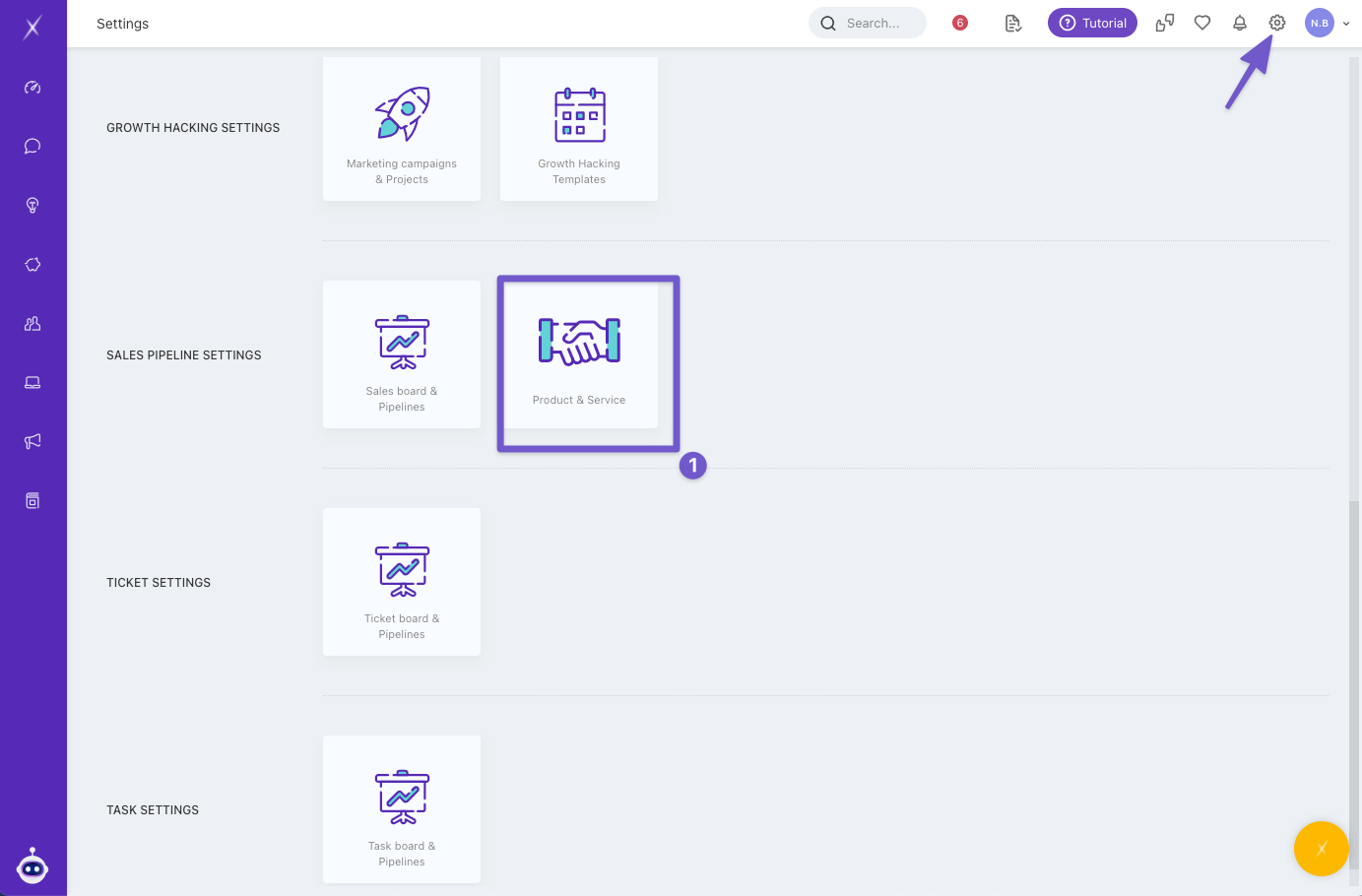
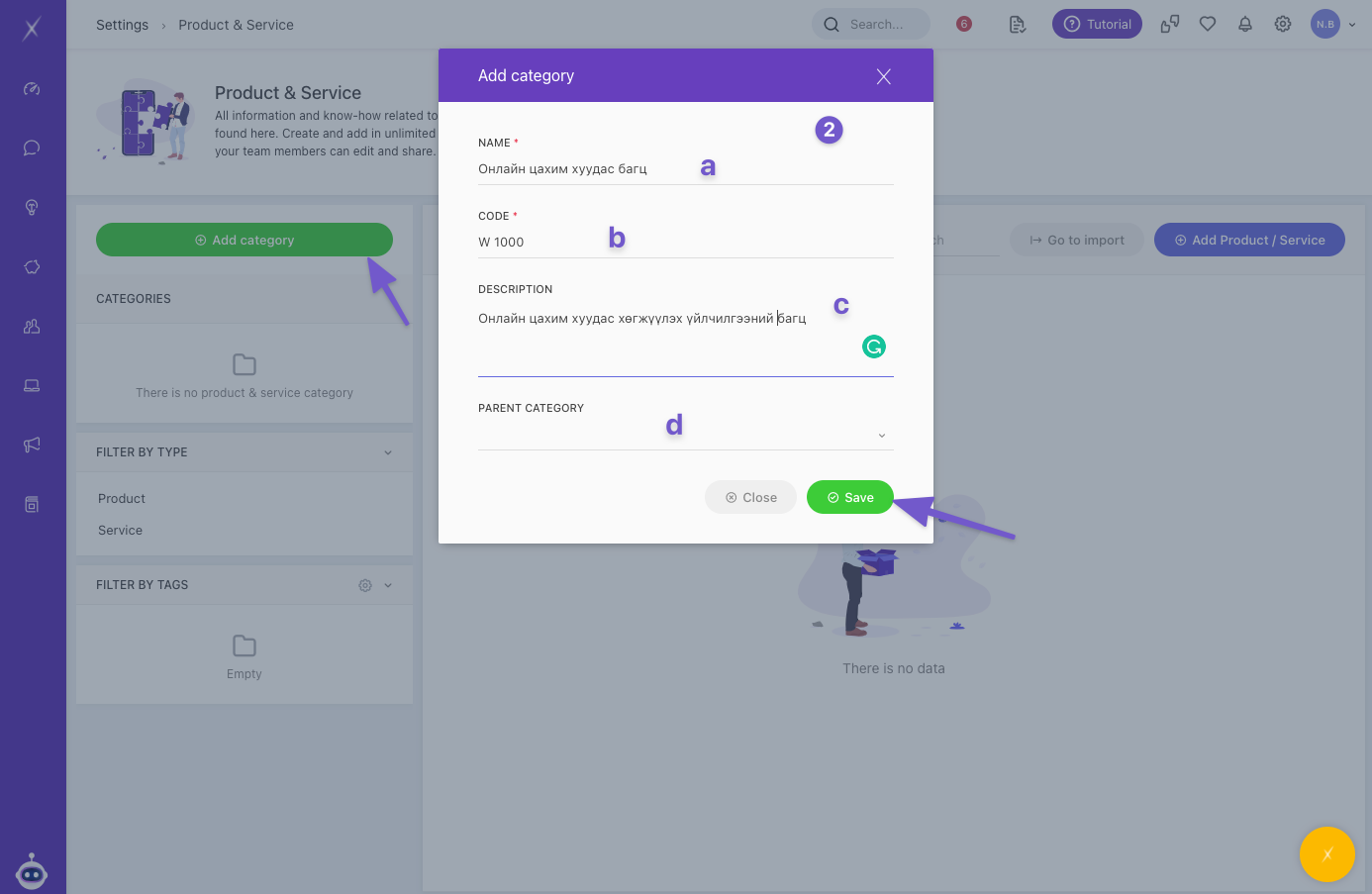
- Click on the Product & service in the Settings menu.
- Click Add category, enter the following information:
- Name
- Code
- Description
- Parent Category: Choose the main category that this new category will fall under. If you are making a parent category now, leave this section blank.
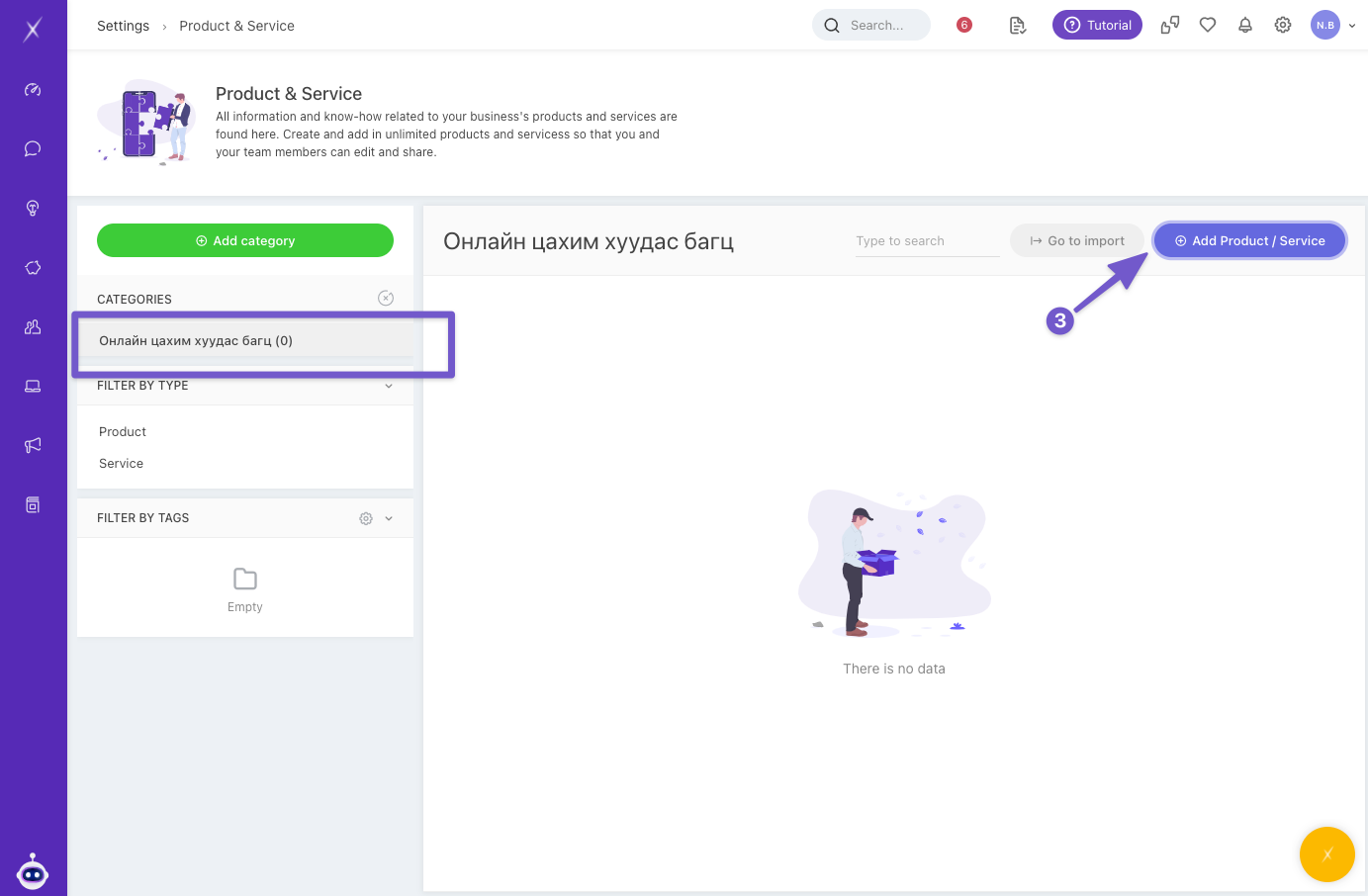
- Select your created category and click Add Product & Service.
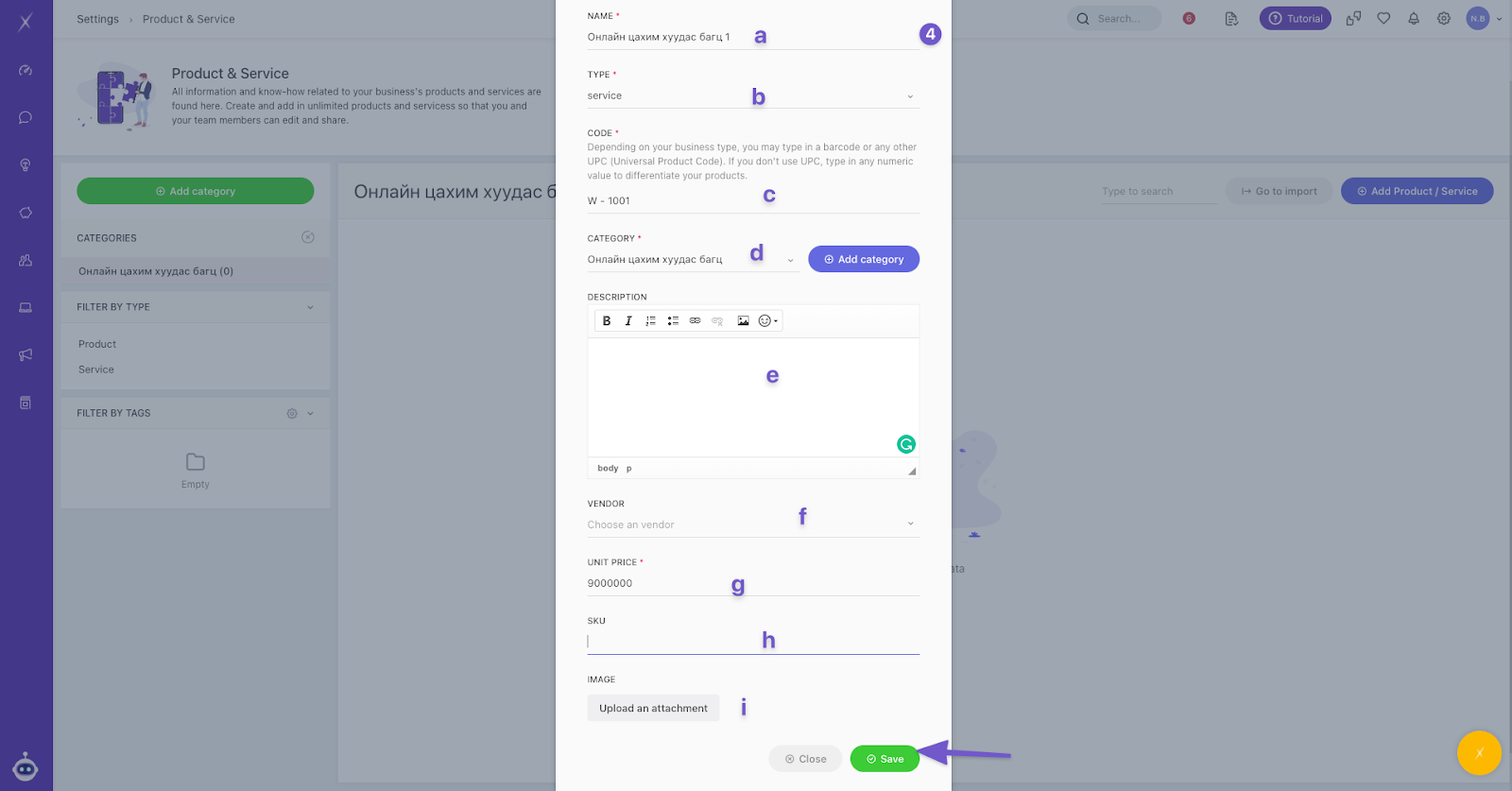
- Enter details about product or service:
- Name
- Type
- Code: Depending on your business type, you may type in a barcode or any other UPC (Universal Product Code). If you don't use UPC, type in any numeric value to differentiate between your products.
- Category
- Description
- Vendor
- Unit price
- SKU
- Image
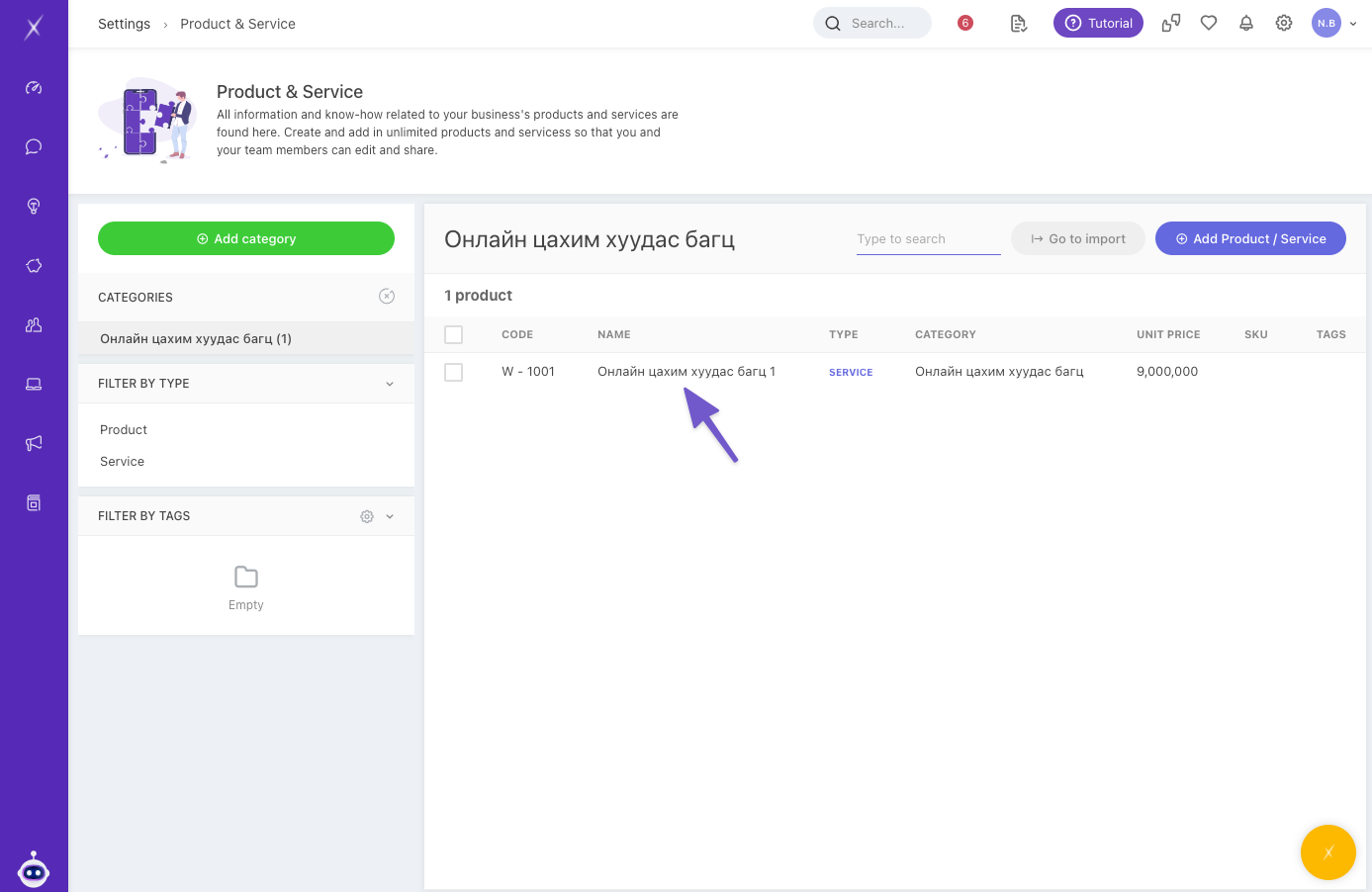
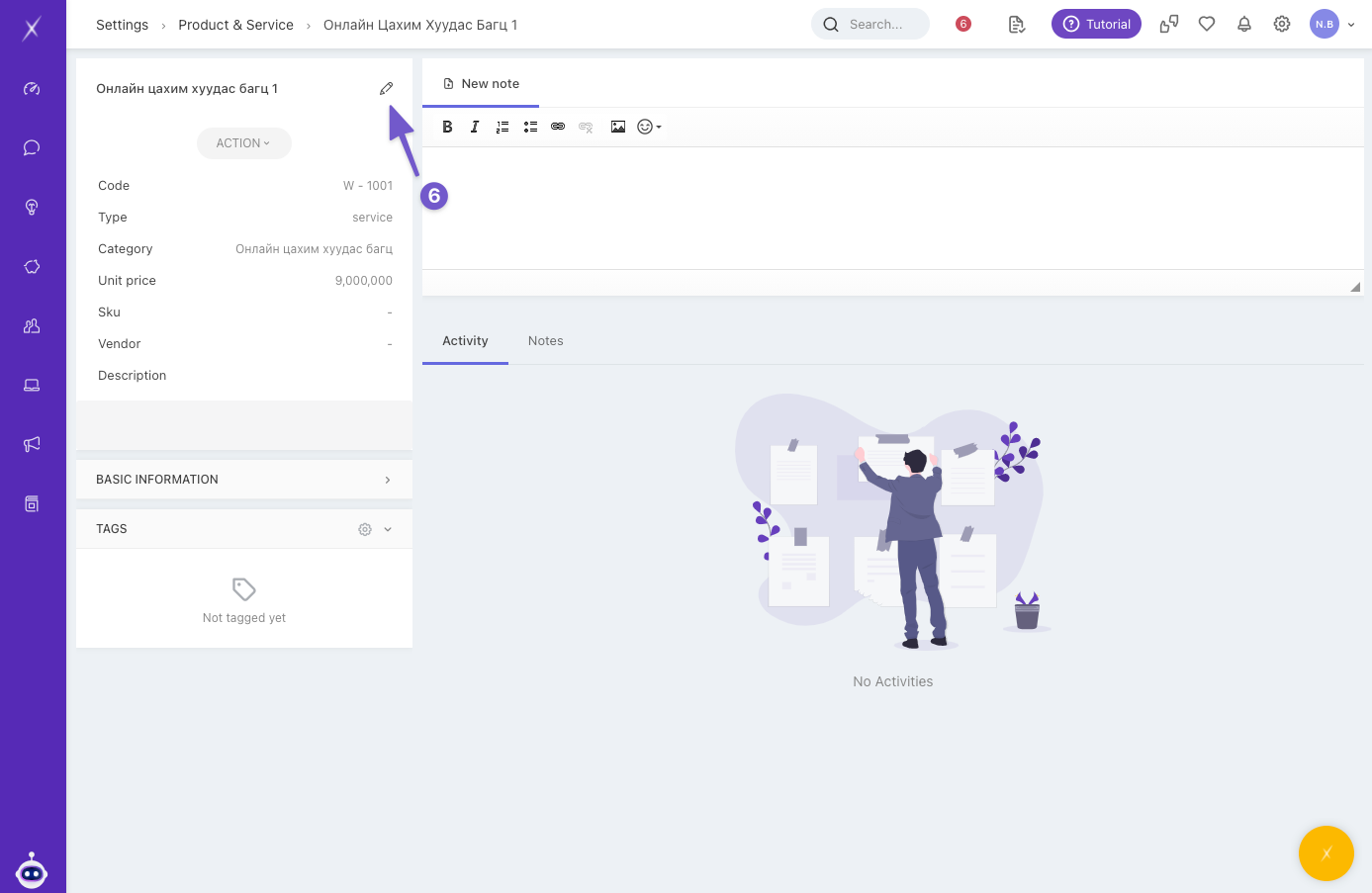
- To edit the details, click on the product/service and click on 🖋️ in new product information window.
How to add tags to products and services
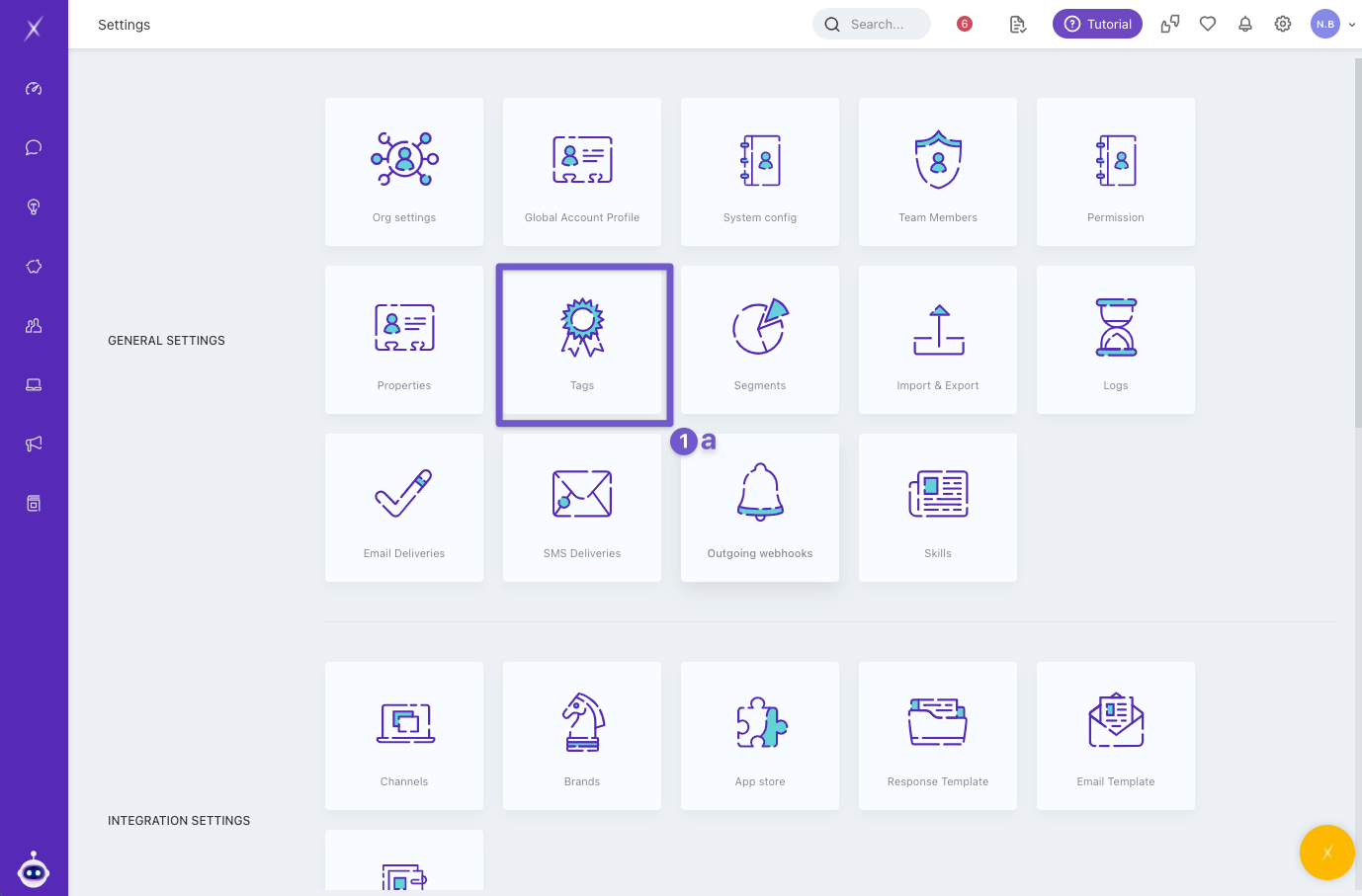
- You can find the tag menu in the following two ways.
- Settings -> Tags -> Products
- Settings -> Product & service -> Click ⚙️ in the Filter by Tags
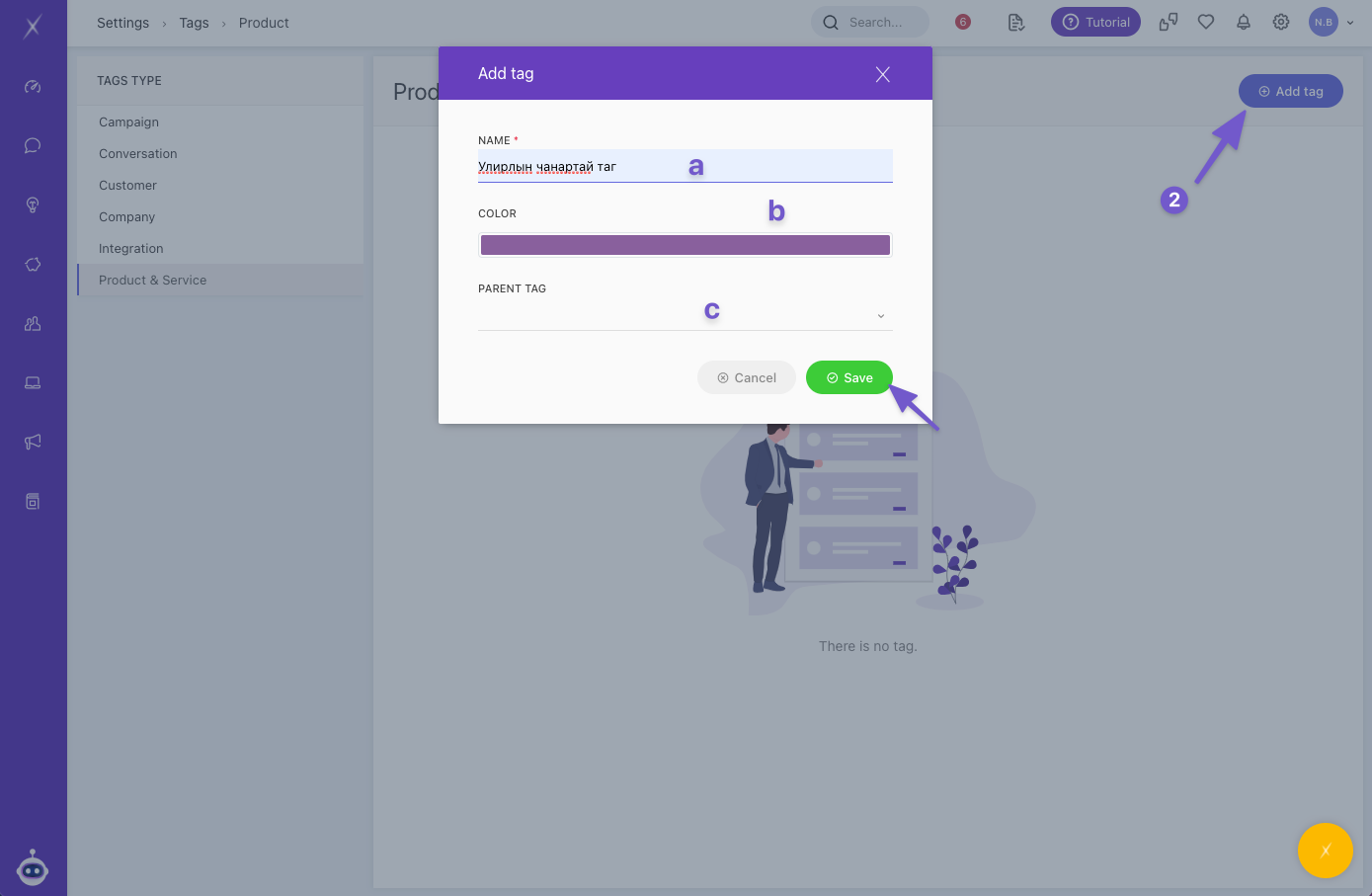
- Click the Add Tag, enter the following information:
- Name: Add in a parent tag name.
- Colour
- Parent Tag: Choose the main tag that this new tag will fall under. If you are making a parent tag now, leave this section blank.